Shoe Bag Shipping: ussfans vs Sheets
Shoe Bag Shipping: ussfans vs Sheets
Shoe Bag Shipping: ussfans vs Sheets
Travel shoe bags may look small, but when comparing shipping costs, you can't just look at the unit price on the product page. The bag's length, width, height, packaging method, quantity purchased, warehouse consolidation rules, destination, and chargeable weight can all change the final result.
The specific problem this article solves is: how to discover travel shoe bag candidates on the ussfans website, then record dimensions, weight, and shipping notes in Google Sheets to complete a reviewable comparison.
After reading, you should be able to create a candidate table, distinguish product information from shipping information, and mark which data has been seen and which still needs confirmation from the platform or warehouse. This article does not apply to scenarios requiring real-time calculation of final shipping costs, checking country-specific prohibited and restricted items rules, or already having a complete order quote; in those cases, you should still rely on the actual quote after login and the platform's latest rules. 🧳
First determine the logistics comparison goals for travel shoe bags
Before starting your search, write down exactly what this comparison is meant to accomplish. Common goals include:
Find a shoe bag suitable for short trips.
Compare the shipping impact of buying a single bag versus multiple pieces.
Determine whether a candidate is worth consolidating with other items.
Record dimensions, weight, and packaging questions that need to be confirmed later with ussfans or the warehouse.
It is advisable to first fix the scope of comparison, for example, only compare the same type of shoe bag, record currency consistently, and keep the original product page for each candidate. Don't equate "lowest price" directly with "lowest shipping cost" or "lowest total cost."
If the page only shows a name and image without enough specification information to support comparison, mark it as needing verification rather than guessing capacity, material, or weight on your own.
Understanding candidate display in ussfans website spreadsheet
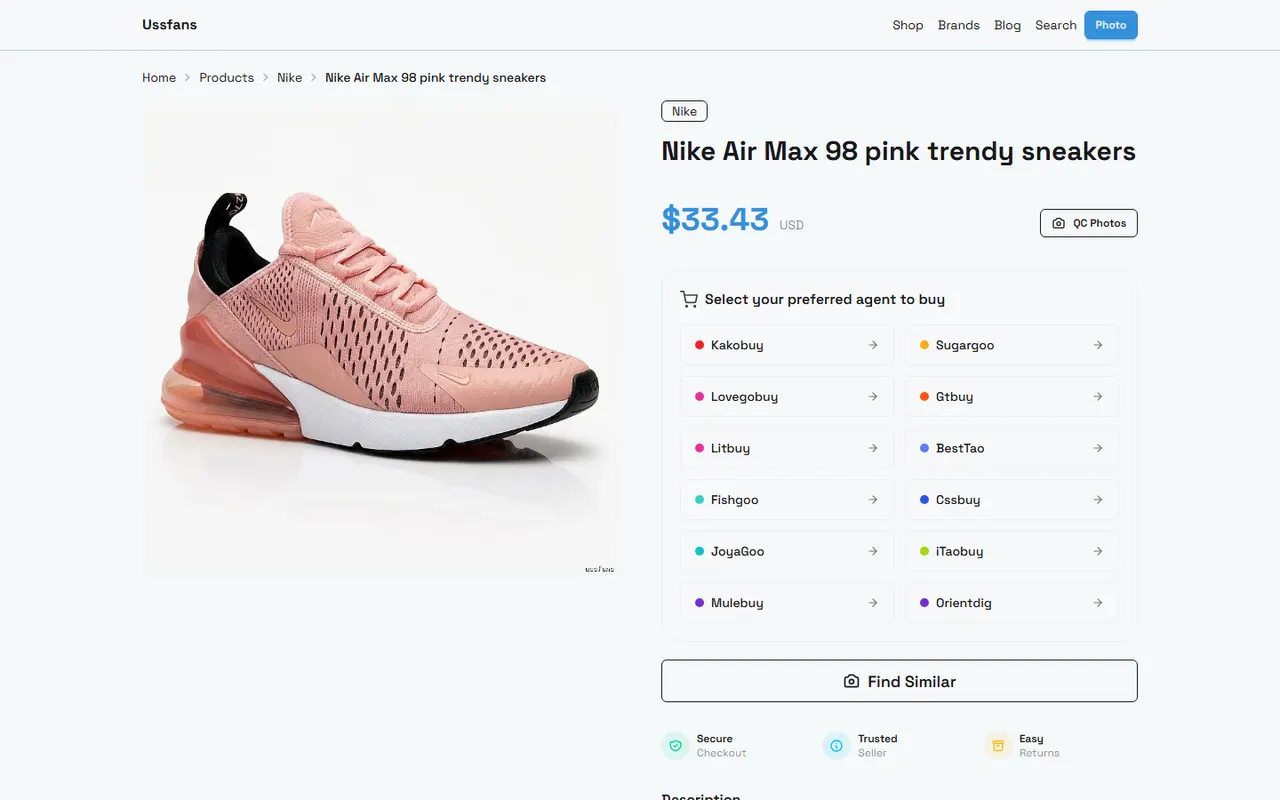
When discovering candidate products on ussfans.com, the main value of the website spreadsheet lies in displaying a batch of products in one place. It is suitable for first browsing categories, filtering product names, and recording visible product page information.
When browsing, you can first check the following:
Is the product name clear and does it actually belong to travel shoe bags?
Is the page still accessible, or does it show a blank page, error page, or redirect to an unrelated page?
Can you see product specifications, colors, dimensions, or other information relevant to shipping judgment?
Does the page link correspond to a specific product, not a category page or search results page?
Does the product information indicate an update time, or are there stock and price fields that may change?
Website spreadsheets are good for discovery and initial screening, but not necessarily for recording all shipping variables. In particular, packaged weight, outer box dimensions, consolidated volumetric weight, and destination quotes usually cannot be confirmed solely from the product display page.
Therefore, when seeing numbers on the page, distinguish between "product page visible data" and "data that only appears in warehouse or checkout processes." The former can be recorded with source, the latter should remain as pending confirmation. 🔎
Using Google Sheets to record dimensions, weight, and capacity notes
Google Sheets is better suited for building your own comparison worksheet. It allows you to put product name, page link, specifications, verification date, and shipping notes in the same row, making it easy to sort, filter, and supplement evidence later.
It is recommended to set up at least these fields:
Candidate number
Product name
Product page URL
Page verification date
Visible length, width, and height
Visible weight
Capacity or applicable shoe type notes
Product price and currency
Packaging dimensions status
Packaging weight status
Suitable for consolidation
Questions to confirm with the platform
Current evidence status
For dimension fields, do not mix "product dimensions" and "packaging dimensions." The product page may only provide bag body dimensions, while logistics calculations require packaged data. If you cannot confirm, write "Product dimensions: shown on page" and "Packaging dimensions: not provided" separately, without filling blanks with estimates.
If calculations are needed, keep the basis for calculation. For example, record length, width, height, and weight separately, and note in remarks whether the data comes from the product page, warehouse weighing, or checkout page. That way, even if prices or routes change later, you can quickly identify which fields need re-verification. 📏
Comparing category browsing and custom field organization
The ussfans website spreadsheet and Google Sheets serve different purposes: the former helps you discover candidate products on the platform, the latter helps you build your own judgment record.
Category browsing is good for answering "which products are worth further review." Custom fields are good for answering "what are the comparable differences between these products." If you rely only on website categories, you may miss shipping-required information; if you manually enter everything only in Google Sheets, you may lose traceability to the original product pages.
A safer approach is to keep two layers of information:
Original discovery layer: record the product name, page URL, visible specs, and verification date as shown on ussfans page.
Shipping comparison layer: record packaging, weight, consolidation, destination, and transit time variables that need further confirmation.
Do not rewrite your own judgments as platform facts. For example, "looks light" can only be an observation note, not a substitute for actual weight; "should fit two pairs of shoes" cannot replace page dimensions or capacity description.
Recording shipping factors for single bag and multiple pieces
When buying a single bag, the focus is on confirming the product's own dimensions, packaged weight, and applicable routes. When buying multiple pieces, you also need to consider whether the bags will increase outer box volume and whether consolidation with other items will change chargeable weight.
You can create separate records for single and multiple scenarios:
Comparison scenario | What to record | Risks still to confirm |
|---|---|---|
Single travel shoe bag | Product price, product dimensions, packaged weight, destination | Actual packaged volume and final quote |
Multiple travel shoe bags | Quantity, total weight, outer box dimensions, consolidation | Volumetric weight, route restrictions, and risk of loss in a single package |
Shoe bag consolidated with other items | Dimensions of each item, total weight, packaging method | Need for reinforcement, oversize or split shipment issues |
Consolidation is not necessarily cheaper. It may reduce repeated fixed costs, but it may also increase risk due to larger outer box, higher chargeable weight, or higher package value. Splitting shipments may increase fixed costs, but when route restrictions, size limits, or high item value are factors, it may be easier to control risk.
Therefore, do not have only a "recommend consolidation" column in your worksheet. Instead, record "possible savings", "new shipping risks", "applicable conditions", and "facts to confirm". Without actual quotes, do not fill in specific savings amounts. 💰
Marking evidence boundaries for packaging dimensions, links, and transit times
Every important data point should have an evidence status. You can use these simple markers:
Verified from product page: currently visible on page, with verification date recorded.
Verified from warehouse or checkout: actual weighing, packaging, or quote information available.
Pending platform confirmation: not provided on page, need to consult ussfans or wait for inbound processing.
Not applicable: this field is meaningless for the current candidate.
Outdated or pending re-verification: data may change, cannot be used directly for current quote judgment.
Links should also be checked one by one. A category page can be used to discover candidates, but cannot replace a specific product page; a redirect, broken page, or URL that does not display a product name cannot serve as complete evidence.
Prices, inventory, shipping routes, transit times, fees, and customs requirements may all change. When recording, at least note the verification date, destination, and currency. For taxes or import restrictions, check the latest requirements applicable to the destination country and carrier route, and do not rely on past orders or experience from other countries. 🚚
Adopting a combined workflow of website discovery plus spreadsheet review
A practical process can be broken into six steps:
Browse travel shoe bag candidates on ussfans.com.
Open specific product pages, excluding broken pages, blank pages, redirects, and pages with only category information.
Enter visible product information into Google Sheets, and record the page verification date.
Separate product dimensions, packaging dimensions, weight, and capacity into columns; leave missing information blank or mark as pending confirmation.
Add shipping factors for single bag, multiple pieces, and consolidation scenarios.
Before actually placing an order or warehouse processing, re-verify price, inventory, packaging data, and destination quote.
The benefit of this approach is that the website is used for discovery, Google Sheets for organizing judgment, and actual checkout or warehouse data for confirming final shipping results. These three should not replace each other.
If you have many candidates, sort by evidence completeness rather than just price. Prioritize candidates with complete product information, valid links, clear dimensions, and fewer shipping variables; for those missing key data, keep as pending confirmation and do not force a conclusion.
Next steps: completing travel shoe bag candidate comparison
Now you can create a candidate list in Google Sheets, first entering a few valid products, then gradually completing dimensions, weight, links, and verification dates. After initial organization, review single bag and multiple-piece scenarios separately, and do not treat the product unit price as the shipping cost.
The final judgment should clearly state four things: estimated savings, added shipping or loss risks, who the plan is suitable for, and conditions under which the plan is not recommended. Without actual quotes, you can only state the comparison method and pending items, not fabricate specific savings amounts.
For those who just want to buy one shoe bag quickly and do not plan to compare multiple shipping options, directly viewing the current available checkout quote may be more efficient. For those who need to buy multiple items at once, care about consolidation costs, or want to keep review records, the combined workflow of website discovery plus Google Sheets organization is more valuable.
Finally, before submitting the order, reconfirm destination, currency, inventory, packaging information, shipping route, and possible taxes and fees. The spreadsheet's role is to help you spot differences, preserve evidence, and ask the right questions, not to replace ussfans' latest checkout results.
Common Questions about Agent Platform Shopping
1. What is the reason ussfans.com avoids using Google Sheets?
Google Sheets works well only when the product list is quite short. As the inventory grows, loading times become painfully slow and the interface starts to lag, especially on phones, where viewing and locating items turns into a frustrating chore. For the identical catalog, the product table on ussfans.com opens more quickly and delivers a smoother browsing experience.
Browse our latest products and find your next favorite item.